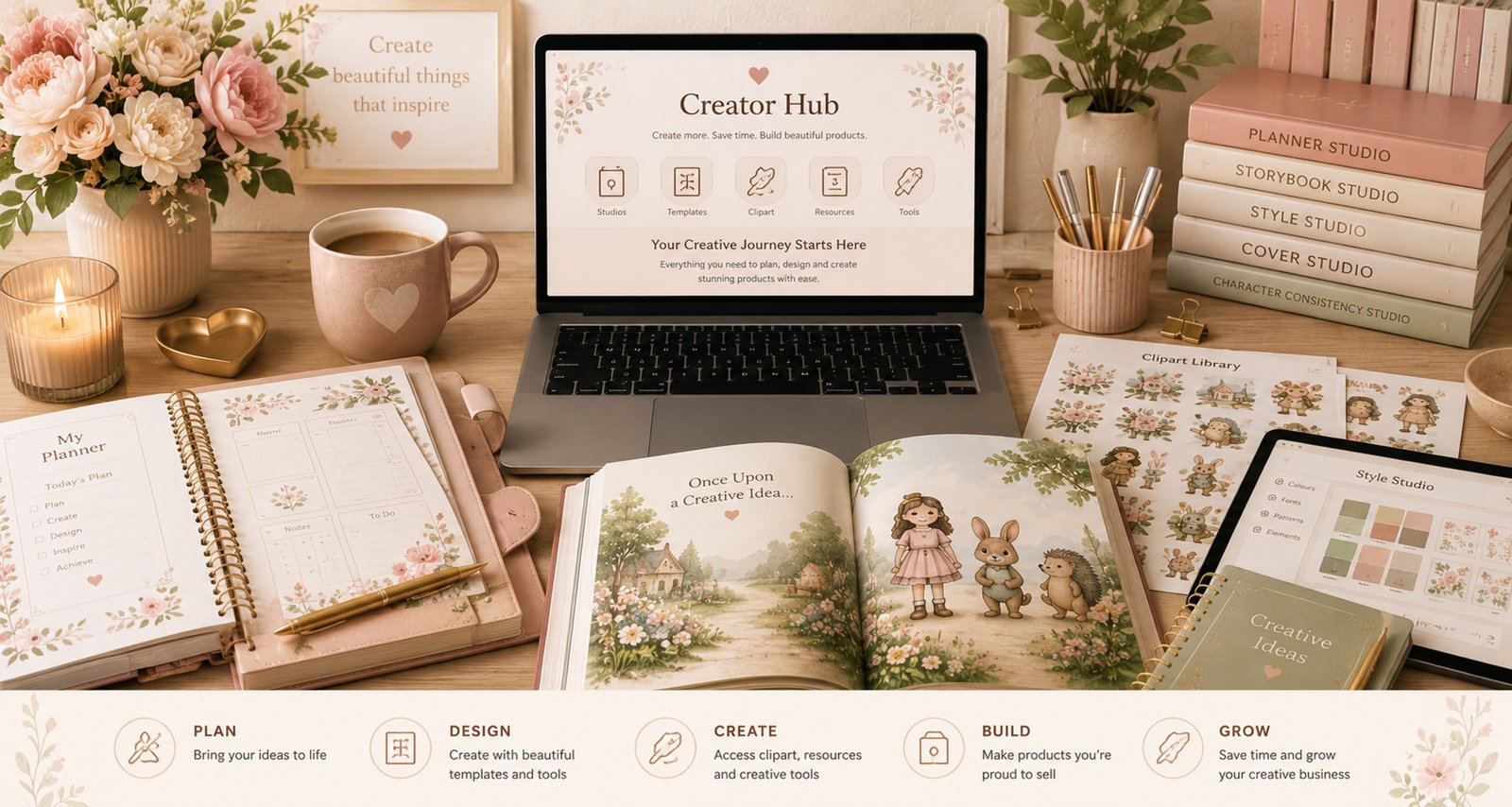
Beautiful Creator Hub membership workspace
Image needed Creator Hub membership overview hero assets/images/external/creator-hub-membership-hero.jpg

How Creator Hub Works

Creator Hub Membership & Product Options

Choose the creative workflow that fits you.

Creator Hub is designed for creators who want flexible access to beautiful creative tools. Choose individual Lite Studios, join a membership, add Pro tools as needed, or purchase Desktop Apps for local workflows.

Choose one studio, join the membership, or build your toolkit over time.
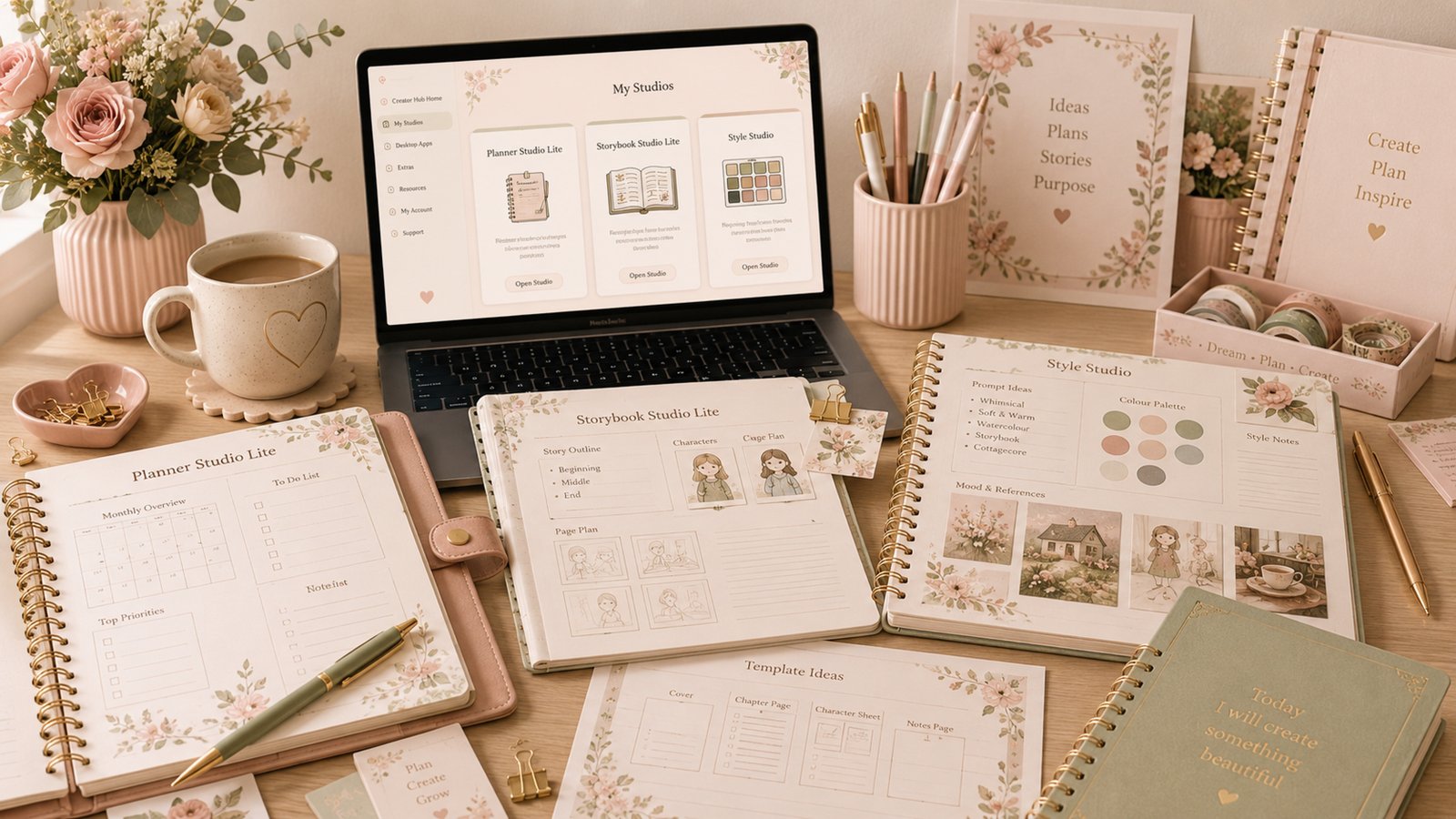
Lite Studios creative workflow visual
Image needed Lite Studios visual assets/images/external/creator-hub-membership-lite-studios.jpg

Lite Studios

Lite Studios Included

Lite Studios are web-based creator tools designed for simple, focused workflows. They are ideal when you want one specific tool with lifetime access from a one-time purchase.

  • Web-based access
  • One-time purchase
  • Lifetime access to that Lite Studio
  • Updates for that Lite Studio
  • Template saving where supported
  • Commercial use under licence terms
Explore Lite Studios
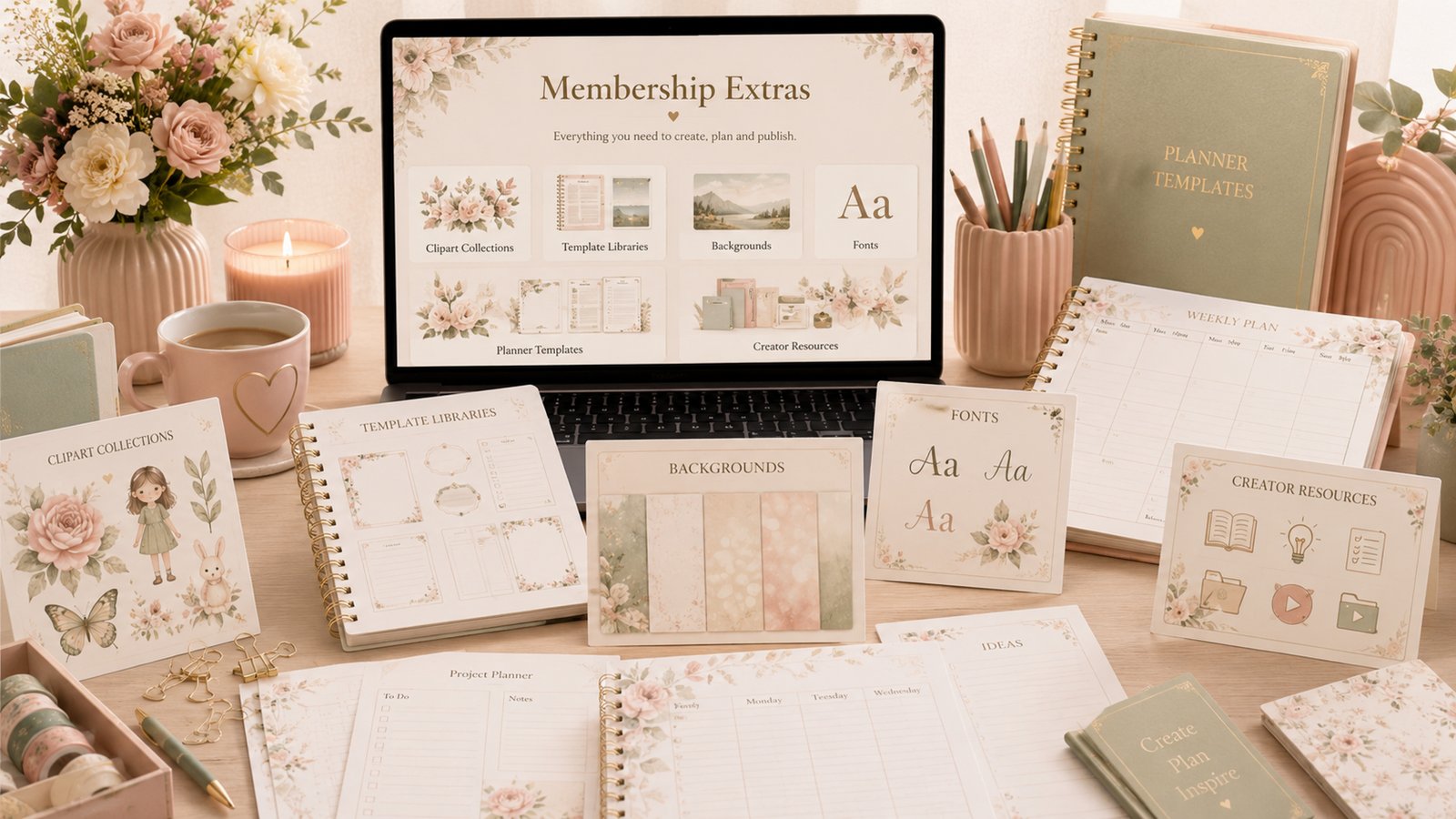
Membership extras and included creator resources
Image needed Membership extras visual assets/images/external/creator-hub-membership-extras.jpg

Membership

For creators building a growing workspace

Membership is designed for creators who use multiple tools and want access to a growing creative workspace.

  • Access to eligible Lite Studios
  • Future Lite Studio releases where included
  • Included creator collections
  • Included clipart libraries
  • Included templates and creative resources
  • Member-only extras
  • Discounts or reduced one-time fees for adding selected Pro tools

Membership does not mean every future Pro or Desktop App is automatically included unless marked as included.

Join Creator Hub
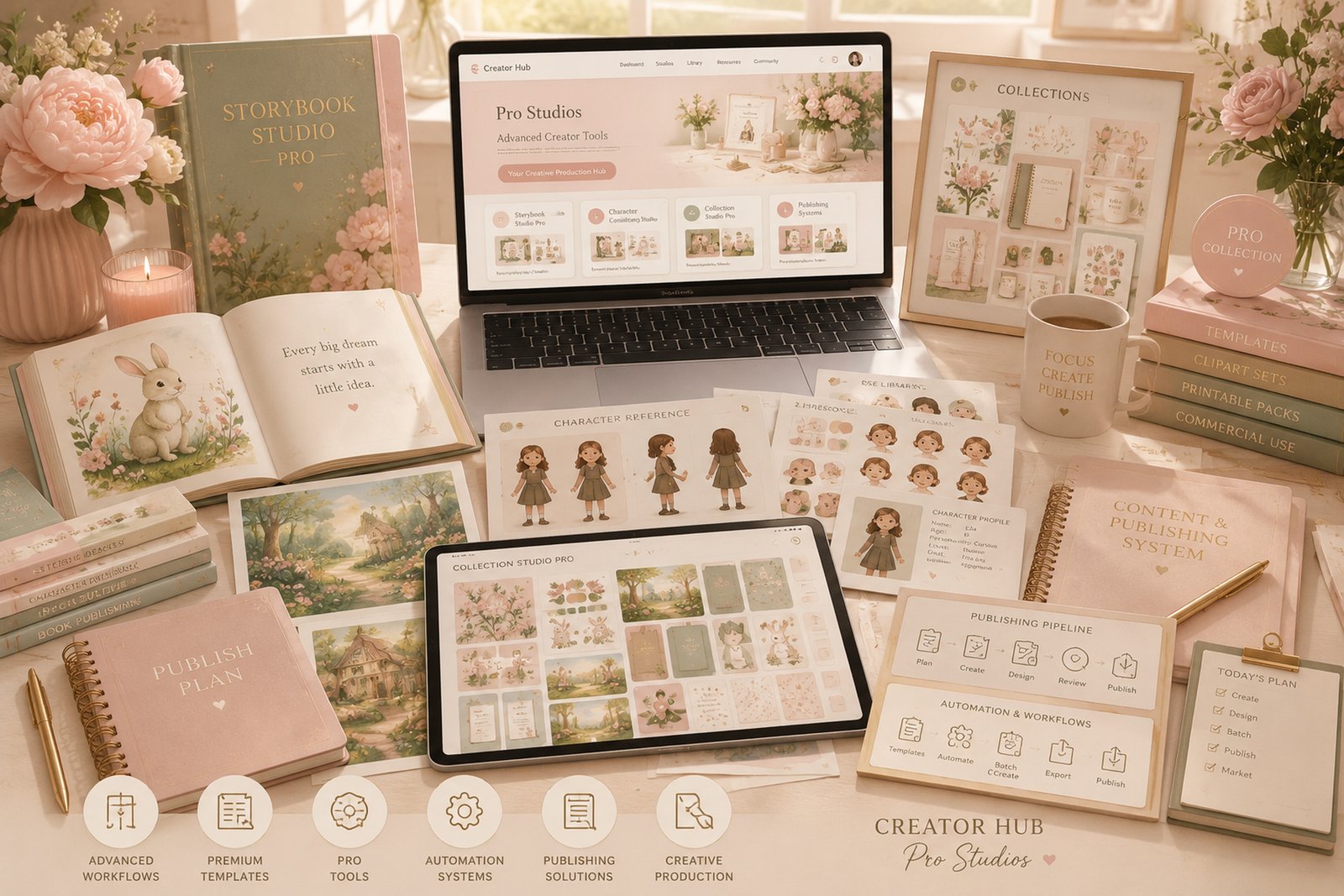
Creator Hub Pro advanced creative workflow visual
Image needed Pro Studios visual assets/images/external/creator-hub-membership-pro-studios.jpg

Pro Studios

Advanced tools for deeper creative production

Pro Studios are advanced tools for creators who need deeper workflows, premium templates, automation, AI-assisted features or expanded publishing systems.

  • Advanced workflows
  • Premium templates
  • Pro-only tools
  • Token-based tools where applicable
  • Optional one-time upgrades
  • Member upgrade pricing where offered
  • Occasional loyalty releases may be included for members
Explore Pro Studios
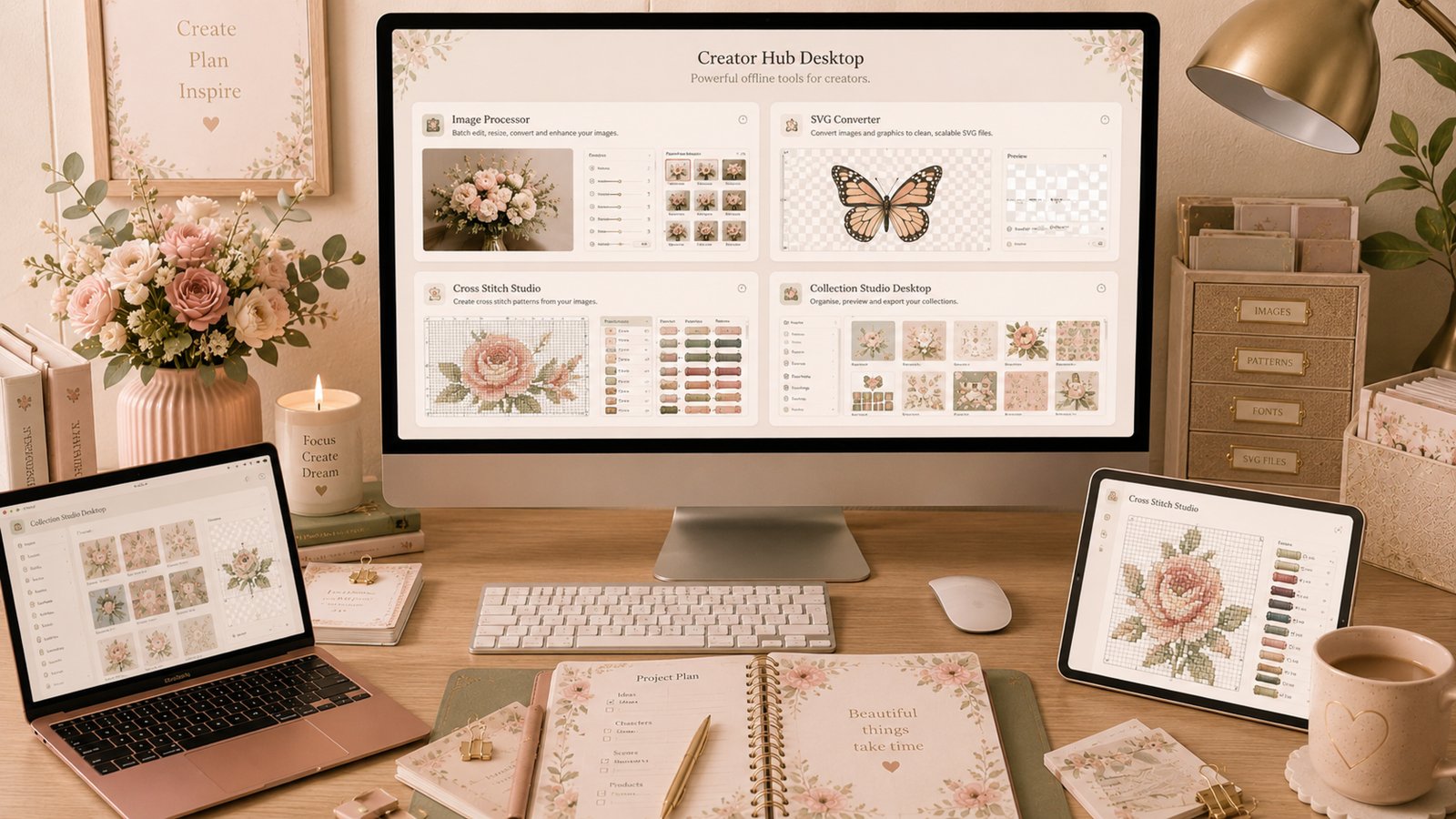
Desktop Apps local creator workspace visual
Image needed Desktop Apps visual assets/images/external/creator-hub-membership-desktop-apps.jpg

Desktop Apps

Local tools for files, folders and production workflows

Desktop Apps run on your own computer and are purchased separately as local tools.

  • One-time purchase
  • Installed on your own computer
  • Files stay local
  • Full control over your workflow
  • Licence keys managed inside Creator Hub
  • Updates and downloads accessed through Creator Hub
Explore Desktop Apps

Token-Based Tools

Clear usage before you create

Some AI-powered features may use tokens. Token tools may be included with selected memberships or products depending on the release.
  • Token requirements shown clearly before use
  • Token tools marked in product details
  • Some token tools may be included as standard membership tools
  • External AI provider API costs are separate when a tool uses the customer's own API key

Your Files & Storage

Simple, sustainable storage

Creator Hub is designed to keep storage simple and sustainable.

  • Templates and fonts may be saved where supported
  • Uploaded artwork, clipart and backgrounds may use temporary upload cache
  • Temporary files may expire automatically
  • Exported files should be downloaded by the user
  • Desktop Apps keep files on the customer's computer

Simple Comparison

Choose the path that fits your workflow

Option Lite Studios Membership Pro Studios Desktop Apps
Access type Individual web studio Eligible Lite workspace access Advanced Creator Hub tools Installed local app
Best for One focused tool Multiple creative workflows Premium production needs Local file workflows
Payment style One-time purchase Membership access Selected upgrade options Separate one-time purchase
File storage Where supported Simple workspace storage Depends on tool On your computer
Updates For that Lite Studio Included tools where supported Product-specific updates Downloads via Creator Hub
Where it runs Creator Hub online Creator Hub online Creator Hub online Your computer
Extras Product-specific features Member-only extras where included Pro workflows and selected upgrades Licence-managed downloads

Build gently

Build Your Creative Toolkit Your Way

Start with one studio, join the membership, add Pro tools when you need them, or use Desktop Apps for local workflows.